
- Instant deliveryCode appears in your account and inbox the moment payment clears.
- Guaranteed to workFaulty code? We replace it or refund your wallet. Policy
- Region-lockedRedeem on an account registered in the market shown below.
Synthrally Steam CD Key
Only 1 left
€3.99
€4.99 -20%
Pay from your wallet balance. No card details at checkout.
About this card
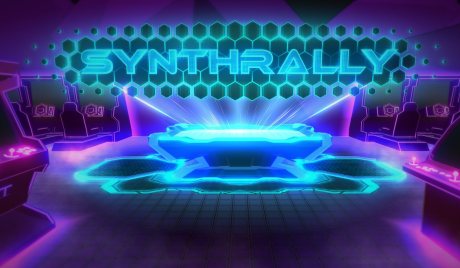
Synthrally is a local multiplayer arcade sports game with simple, fast-paced action. Choose from an array of selectable classes, map variants, and alternate play modes to mix things up and keep gameplay exciting!Synthrally's gameplay focuses on two to four players trying to hit each other with a homing energy disc. Once a player hits the disc, it turns their color and immediately begins homing in on their enemy. If a player is hit by the disc, they lose the round. There are currently 4 classes you can choose to play with. There are: Barrier: a defensive, simple class that hits in all directions. Barrier players don't have to worry about missing, but have a harder time aiming the disc. Shield: an offensive, aggressive class that uses the right thumbstick to hit in a specific direction. Shield's attacks influence where the ball goes, and they have a number of fast movement options to bewilder their opponent, but since they can't defend in all directions, they're easier to catch off guard. Arrow: a difficult but flexible class that launches projectiles. First-time Arrow players may find themselves getting overwhelmed by the difficulty of lining up shots, but if you stick with Arrow, you'll find that that weakness is paid off with the ability to safely hit the disc at range. Boomer: a ranged class that only has 1 projectile, a boomerang, that has to return to you before you can throw it again. The boomerang curves, so it's easy to hit the disc at a weird angle, but missing a shot is extremely dangerous, as you're defenseless when the boomerang is out. Synthrally is all about tr...
How to redeem
Go to: http://store.steampowered.com/ and download STEAM client Click "Install Steam" (from the upper right corner) Install and start application, login with your Account name and Password (create one if you don't have). Please follow these instructions to activate a new retail purchase on Steam: Launch Steam and log into your Steam account. Click the Games Menu. Choose Activate a Product on Steam... Follow the onscreen instructions to complete the process. After successful code verification go to the "MY GAMES" tab and start downloading.